Select your Gear:

Select your gear to create your personal DALI configuration script!

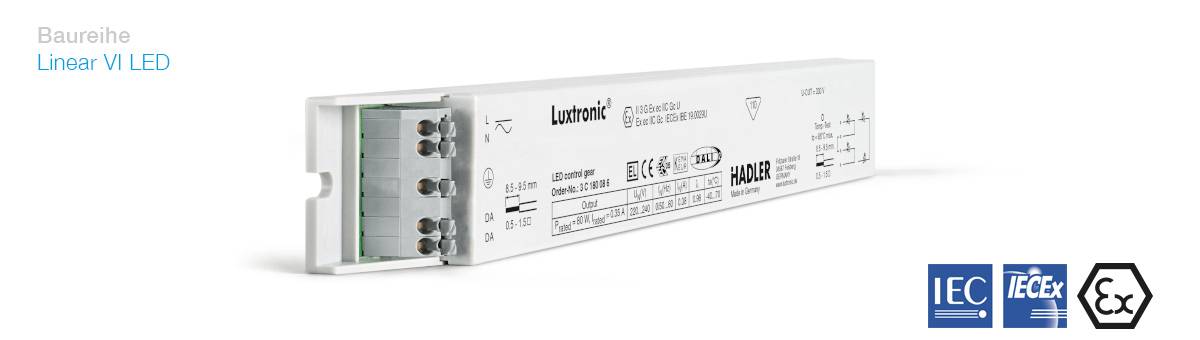
Linear VI LED: 3 C 180 28 6

3 C 180 28 6

Choose the settings your firmware:

(Enter any value to get an estimation.)
You can prevent accidents by checking these values. Checking does cost some time, though.
Check Control-Gear GTIN
Prevents the script from being applied to the wrong Device-Type.
Ensure that the Gear-ID has been set.
Will catch any gear that has failed tests but hast been misslabled.
Ensure that Firmware Version (major) is at least 1
Almost always 1, testing might be unnecessary.
Ensure that Firmware Version (minor) is at least 0
Only check if a version 1.0 exists.
Memory Bank 1 contains standard information about the luminaire, as described in the DALI standard IEC 62386-101 2022-11.
IDs and Production Information:
(ASCII-Text)
Content Format Id:
This should not be changed
[YY]
Set Production Date automatically
Will use the System-Clock to determine production date and write it onto the DALI gear.
Electrical Information:
W
W
V
V
About the Light:
Lm
K
(ASCII-Text)
These settings are unique to Hadler gears. The available options do differ depending on the chosen gear.
mA
DC Supply Settings:
%